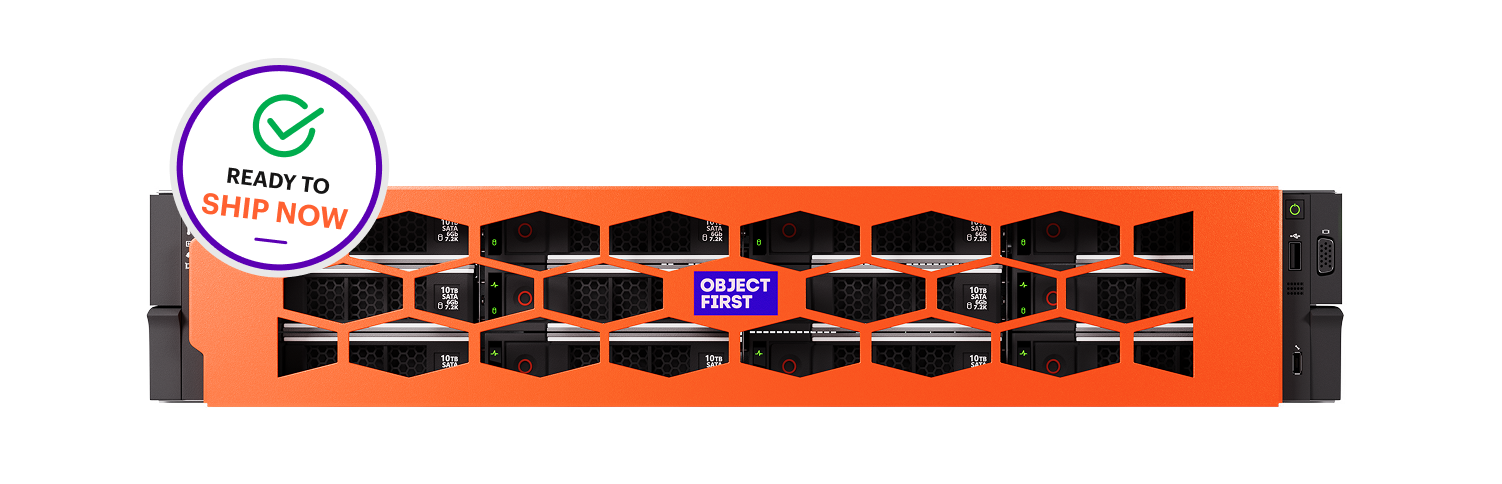
Object Storage for Backup

S3-native object storage solution built for Veeam that makes your backups ransomware-proof by enforcing Zero Access to perform destructive actions.

Request a demo

Key Takeaways 

  • Ransomware often targets backups to destroy the ability to recover. Object storage with S3 Object Lock in Compliance Mode helps preserve that ability by locking each backup for its defined retention period.

  • On-premises object storage keeps recent backups close for fast recovery, while cloud copies provide off-site protection as part of a 3-2-1-1-0 strategy.

  • Not every object storage solution that supports S3 Object Lock delivers Absolute Immutability, where even the most privileged admin or attacker with access to backup storage cannot modify or delete data.  

What is Object Storage?

Object storage, also known as object-based storage, is an architecture that organizes data as discrete objects, each with unique metadata and identifiers, rather than as files in folders or blocks on a disk. Each object is stored in a flat namespace and accessed via an application programming interface (API). 

Object storage is an increasingly popular repository for backup data because it offers scalability and immutability that traditional file and block storage struggle to match. A single repository can continue to grow as backup volumes increase, without the redesigns that file and block storage often require at scale. 

With S3 Object Lock, each backup can also become an immutable backup, so it cannot be altered or deleted during a defined retention period. Backup software such as Veeam can write directly to object storage, so it can serve as the primary backup repository. 

Object Storage vs. File Storage vs. Block Storage

The differences between object, block, and file storage come down to how each organizes data. As a result, each suits a different workload. 

For backup, those differences matter most in two areas: how far the storage scales and where immutability is enforced.

    • Keeps data as self-contained objects with rich metadata in a flat namespace, accessed through an API. It scales to petabytes and can enforce immutability for each object via S3 Object Lock, making it the best fit for backups and large volumes of unstructured data.

How Does Object Storage Work?

Because each object is managed independently, storage systems can apply policies directly at the object level. For backup protection, this object storage architecture allows highly scalable repositories and object-level retention controls. 

Scale comes from the flat namespace, which avoids the file and directory limitations of traditional storage systems as repositories grow. 

Retention controls are provided by S3 Object Lock, which keeps each object locked for a specified period once it is written. In Compliance Mode, no user, however privileged, can overwrite or delete a locked object until its retention period expires [1]. 

In Governance Mode, users with special permissions can still override those settings. That override is one reason not all S3 immutability systems deliver the level of defense needed against ransomware attacks. 

Object Storage Types  

  • On-Premises Object Storage

    On-premises object storage runs on hardware you control. It typically uses the S3 API standard, which gives it compatibility with backup software such as Veeam. Because restores run over the local network, it serves as the performance tier, where recent and mission-critical backups are kept for fast recovery.

  • Cloud Object Storage

    Cloud object storage runs on remote servers, most commonly on public cloud providers such as AWS, Azure, or Google Cloud, offering elastic scalability and built-in geographic redundancy. Those strengths make it the natural home for off-site copies and long-term retention, where older backups move to the capacity and archive tiers.

  • Hybrid Object Storage

    Hybrid object storage uses both types together: on-premises storage holds the fast, immutable copy, and the cloud holds the off-site copy. This combination is an important part of following the 3-2-1-1-0 rule, which calls for at least three copies of data, on two media types, with one off-site, one immutable, and zero recovery errors confirmed by testing.

Object Storage Use Cases

Backup is one of many object storage use cases; the same architecture supports a wide range of workloads built on large volumes of unstructured data. 

  • Immutable backups against ransomware

    Backups locked with S3 Object Lock in Compliance Mode follow a write-once, read-many (WORM) model and cannot be altered or deleted during their defined retention period.

  • Disaster recovery and continuity

    Object storage typically protects data against drive failures through erasure coding and replicates it to other sites, keeping recovery points available after an outage.

  • Industry-specific data protection

    Healthcare, finance, government, and other regulated sectors use object storage to retain records such as patient data, transaction logs, and public archives while meeting regulatory requirements and retention periods.

  • Data lakes and AI

    Object storage holds the large, unstructured datasets used to train artificial intelligence (AI) and machine learning (ML) models, with metadata that makes specific datasets quick to find.

  • Logs and audit trails

    Security logs and compliance audit trails can be kept immutable, so records stay intact as evidence for audits and breach investigations.

  • Unstructured data repositories

    Object storage consolidates employee files, research documents, project assets, and archives into a single scalable repository.

Is Your Object Storage Absolutely Immutable?

Ransomware targets backups in 4 out of 5 attacks, aiming to force ransom payments by destroying your ability to recover [2]. To defend against ransomware, backup data must be immutable, but not all object storage solutions that claim immutability actually deliver it. 

The most reliable path to recovery after a ransomware attack is to have backup storage with Absolute Immutability, meaning that even the most privileged admin or attacker with access to the storage cannot modify or delete data. 

This can only be achieved using a backup storage system that is Secure by Design as defined by CISA, with Zero Access to perform destructive actions, and this Zero Access must be verified through third-party testing. 

Practical implementation of Absolute Immutability requires three core principles: 

    • A fully documented, open standard with native immutability, enabling independent penetration testing and third-party verification.

How to Choose an Object Storage Solution for Veeam

For organizations running Veeam, these eight checks help distinguish independently verified immutability from unproven vendor claims.

1. Ask for third-party proof of Absolute Immutability

Independent penetration testing results should confirm that no one, including the most privileged admin, can modify or delete backup data.

2. Confirm that S3 Object Lock runs in Compliance Mode

Veeam recommends Compliance Mode for immutable backups, while Governance Mode lets users with special permissions delete locked backups before their retention period ends.

3. Check Veeam Ready validation and native integration

Look for Veeam Ready Object with Immutability validation, direct-to-object support, and the Veeam Smart Object Storage API (SOSAPI), which lets Veeam report the repository's capacity and free space and supports load balancing across storage nodes [3].

4. Measure recovery speed, not just ingest speed

On-premises object storage often serves as the performance tier in a Veeam scale-out backup repository, so it should support fast restores and Veeam Instant Recovery.

5. Plan for growth without reconfiguration

Capacity should grow by adding nodes, without reconfiguring backup jobs or repositories in Veeam.

6. Require end-to-end encryption

Backup data encrypted with rotating keys the moment it is created cannot be read, even if bucket credentials are compromised.

7. Require multi-factor authentication (MFA) for storage access

Attackers often use stolen credentials to get into backup systems, and MFA adds a second barrier before anyone can change storage settings.

8. Make sure it fits a hybrid 3-2-1-1-0 strategy

Veeam should be able to copy backups from on-premises object storage to cloud object storage, such as Veeam Data Cloud Vault, adding the off-site copy needed for long-term retention.

With Object First, we can now guarantee what our old backup target couldn't: the immutability of our backup data. We're now fully protected from ransomware attacks.

Matthias Altensleben

Head of IT, Bezirksamt Steglitz-Zehlendorf

S3 On-Premises Object Storage for Veeam with Absolute Immutability

When—not if—ransomware strikes, the future of your business, reputation, and career are on the line. 

Object First delivers Zero Trust, S3-native, absolutely immutable storage—optimized for unbeatable Veeam backup and recovery.

Request a demo

FAQ

Why Is Object Storage Important?

Object storage handles large volumes of unstructured data at scale and supports object-level retention locks, which are the core benefits of object storage for backup. Organizations can grow backup repositories without reconfiguration, while S3 Object Lock in Compliance Mode keeps recovery points unalterable for their defined retention period.

What Is S3 Object Lock in Object Storage?

S3 Object Lock applies a WORM model to objects, preventing them from being overwritten or deleted for a defined retention period [1]. In Compliance Mode, no user, however privileged, can remove the lock, whereas Governance Mode allows users with special permissions to override it.

Are There Any Disadvantages to Object Storage?

Object storage is not designed for low-latency transactional workloads such as databases, where block storage performs better. Objects also cannot be partially modified, so any change creates a new object or version.

Why Is Object Storage Best for Backup and Recovery?

Object storage combines native immutability through S3 Object Lock in Compliance Mode with the scale to grow to petabytes without file or directory limits. When combined with cloud copies, on-premises object storage provides fast local recovery, while the cloud adds off-site protection.

References 

[1] Amazon Web Services. "Locking objects with Object Lock." Amazon S3 User Guide. 2026. https://docs.aws.amazon.com/AmazonS3/latest/userguide/object-lock.html 

[2] Omdia. "Recovery without Compromise: The Data-Backed Case for Backup Storage with Absolute Immutability." Research commissioned by Object First. 2026. https://objectfirst.com/recovery-without-compromise/ 

[3] Veeam. "Working with Veeam Smart Object Storage API (SOSAPI)." Veeam Backup & Replication User Guide. https://helpcenter.veeam.com/docs/vbr/userguide/sosapi.html