 SB
SBTechnical Marketing Writer
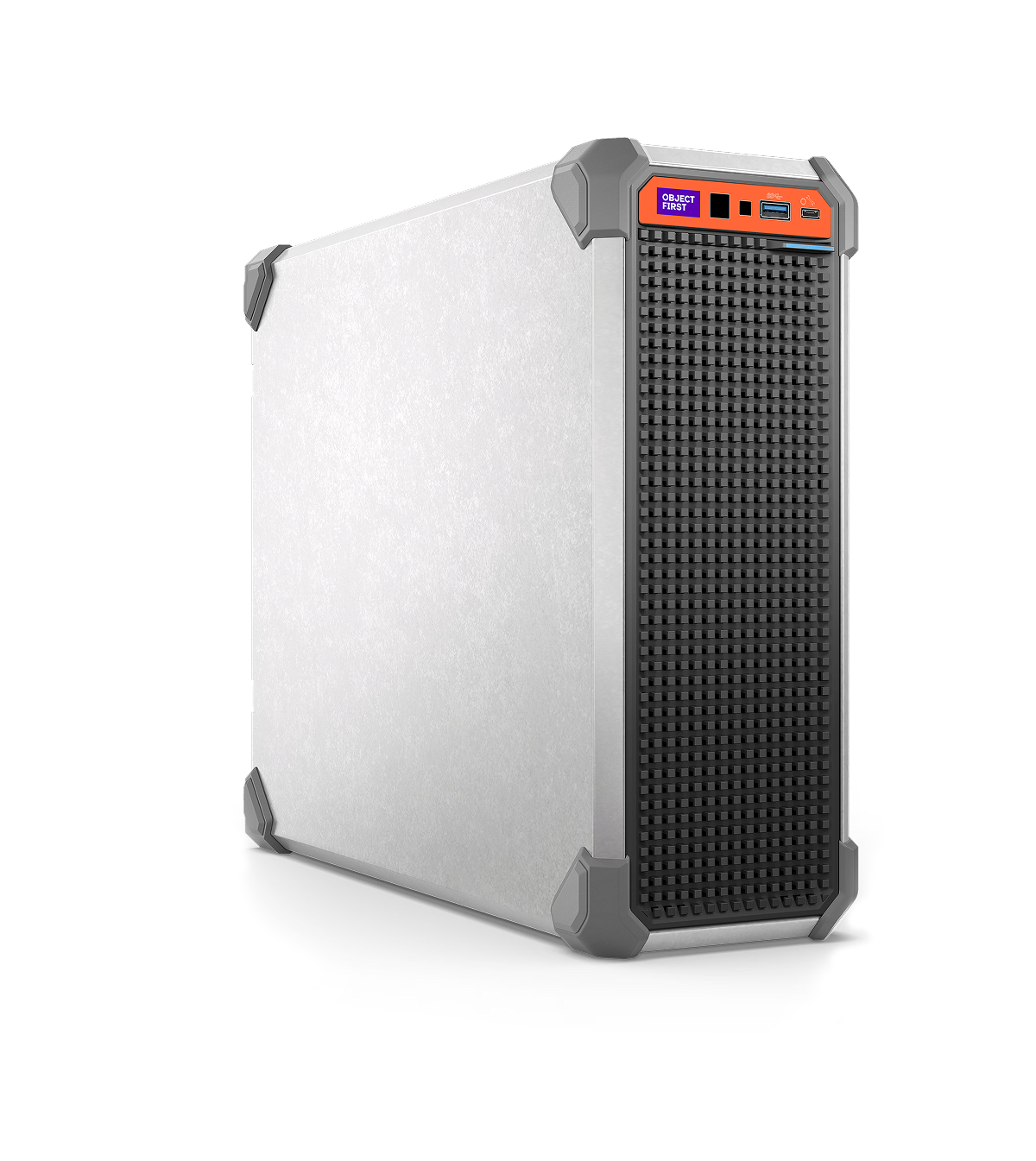
Last Fall, Object First officially announced the release of the Mini appliance. Since then, we’ve decided to transition from Supermicro to Dell hardware across all Mini models, bringing the Mini appliances onto the same enterprise-grade platform used through the Object First portfolio while preserving the security, simplicity, and power our customers rely on. What’s changing is the platform underneath, not the purpose or the experience.
What this means for customers
No change to the Mini’s role or capabilities: It remains purpose‑built for ROBO, small offices, labs, and edge deployments.
This transition does not require any customer action and does not change how the Mini integrates with Veeam.
Maintenance, stability, and compatibility improvements
Alongside the shift to Dell, the next release (1.7 update 3) will include a series of under‑the‑hood enhancements that will improve reliability and streamline operations for the Object First appliances.
A new secure erase feature
A new secure erase feature is now available across all Object First appliances, including the Mini. This capability allows customers to securely sanitize disks when hardware is decommissioned, returned, or repurposed. The workflow follows industry‑recognized data sanitization standards and provides a documented record of the erase operation for compliance and audit needs. A full overview of this feature will be covered in a separate blog, soon to be released.
Kasten S3 Improvements
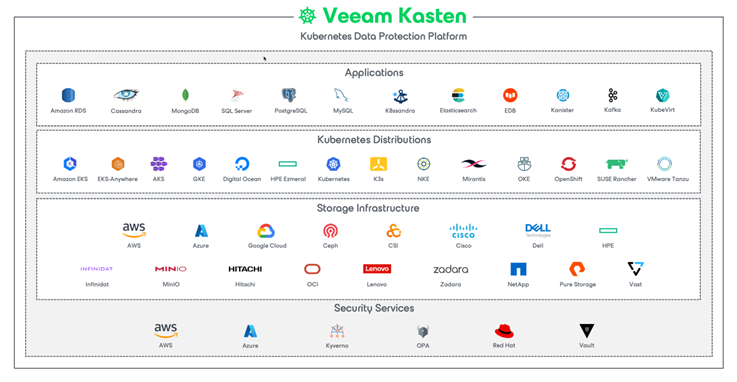
A small number of customers using Kasten with immutability enabled previously saw a non‑fatal warning during backups. This release updates S3 implementation, so Kasten receives the expected responses, eliminating the warning. There is no impact on performance, restore workflows, or API behavior.
Firmware and hardware maintenance
The release includes firmware updates for NVMe and other hardware components across Dell‑based systems.
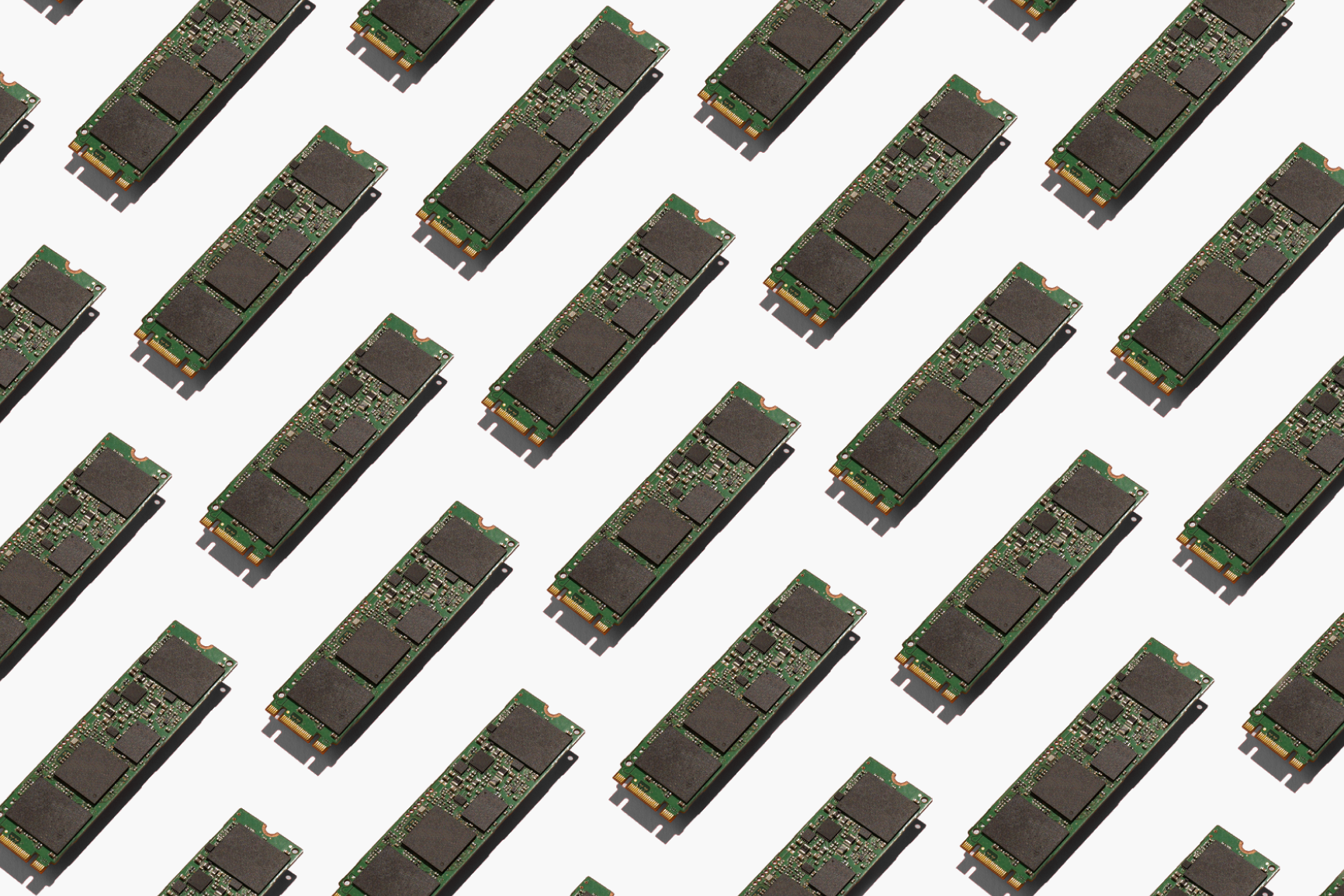
These updates:
- Improve stability and reliability
- Apply to multiple Dell platforms, not just the Mini
- Requires no customer action beyond staying current with releases
All updates run on existing Object First appliances unless explicitly noted.
Improved support tools and bug fixes
Support teams now have access to additional internal tools that help strengthen the speed and accuracy of issue resolution. Additionally, as with every release, this update includes general maintenance and fixes identified through internal testing and customer support.
Telemetry Enhancements
Telemetry continues to gather only operational data, never backup data or bucket contents. The system collects insights such as:
- Disk status
- RAM health
- Network interface behavior
- S3 and cluster operations
- Capacity and service status
- Hardware monitoring (appliance temperatures, CPU stats, BIOS/IPMI/iDRAC indicators)
These enhancements help:
- Detect hardware issues earlier
- Accelerate support diagnostics
- Streamline collaboration with Dell when parts need replacement
- Reduce time to resolution on support calls
Although telemetry remains an optional feature on Object First appliances, it is strongly recommended for the best support experience as it shifts the administrative burden of issue detection and reporting from your team to the Object First support team.
Recommended actions for existing customers
To get the most out of these updates, we recommend:
- Stay current on firmware—ideally a version released within the last 4–6 months.
- Enable telemetry for proactive health insights and faster support.
- Allow outbound internet access or proxy to receive update notifications in Cluster Manager.
- Enable notifications to stay informed about system status.
- Turn on the Honeypot feature for additional security visibility.
Keep an eye out for the upcoming 1.7 Update 3 release and plan to upgrade promptly to ensure your appliance stays aligned with the latest platform improvements and overall system best practices.