- /
- Object First User Guide
- /
- Configuring Object First Storage
- /
- Generating S3 Access Keys
Generating S3 Access Keys
For a step-by-step visual guide on generating an S3 access key, watch our YouTube video.
An S3 access key is required to create buckets, which are the fundamental building blocks of Ootbi storage. To generate an S3 access key, follow the steps below:
-
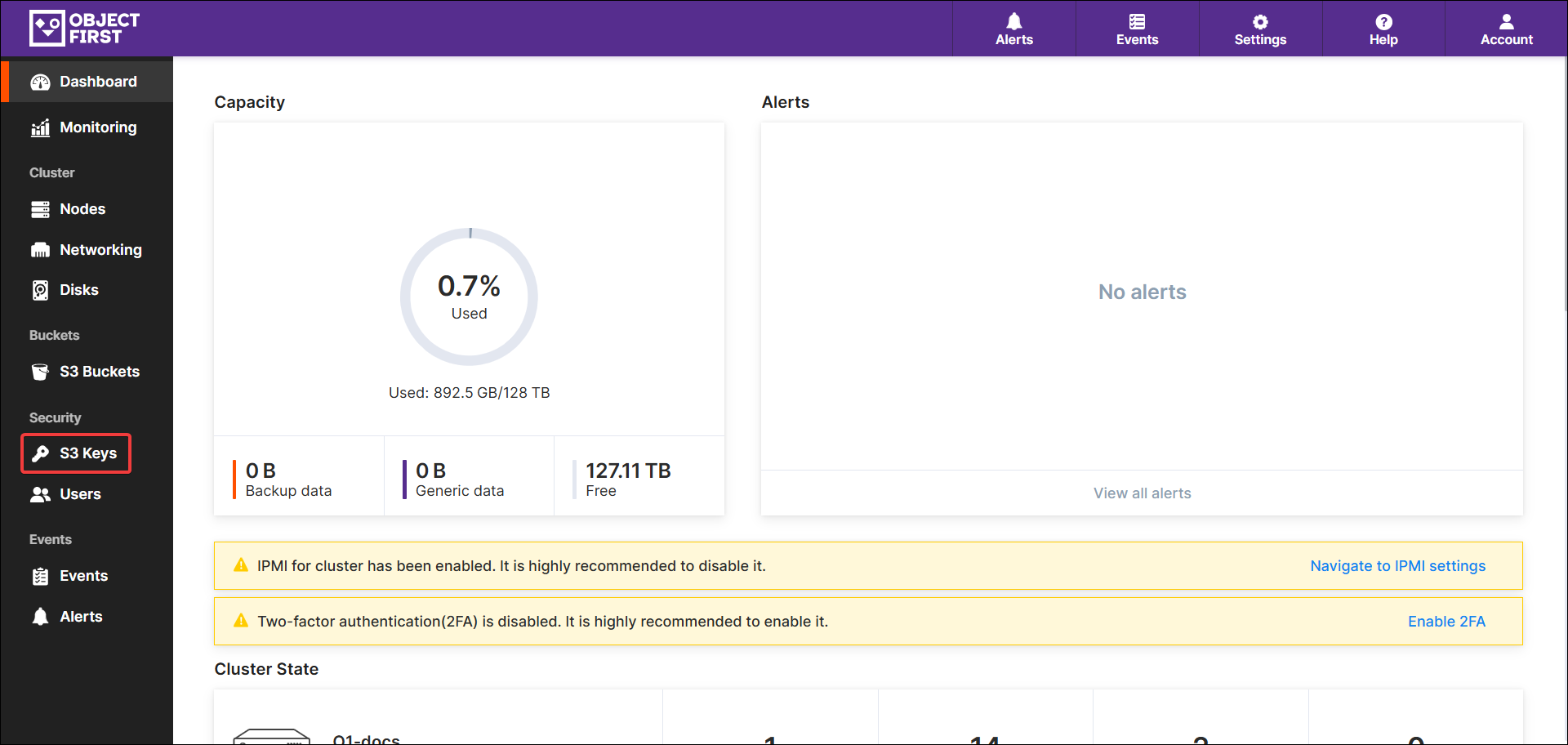
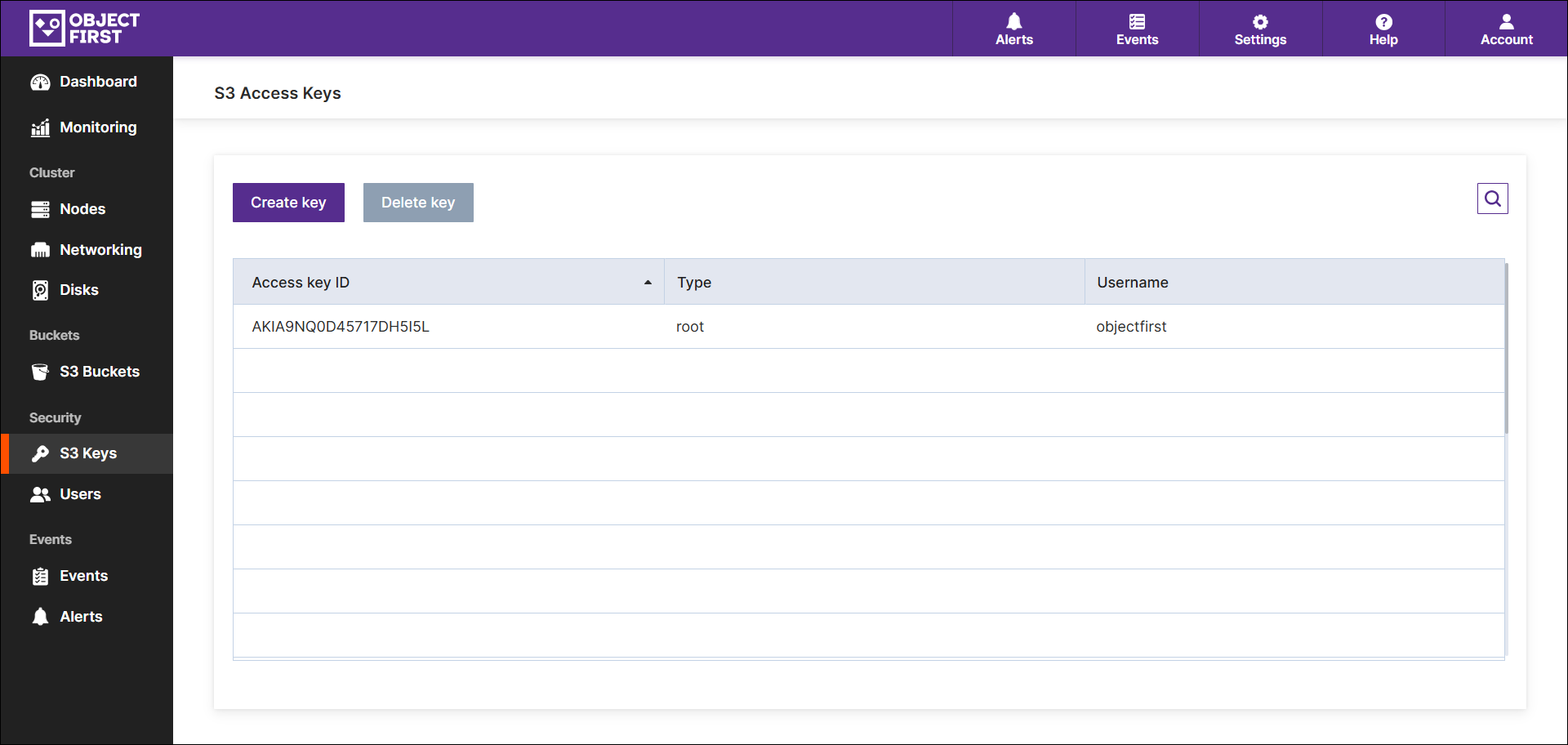
Log in to Object First Web UI and select the S3 keys tab.
-
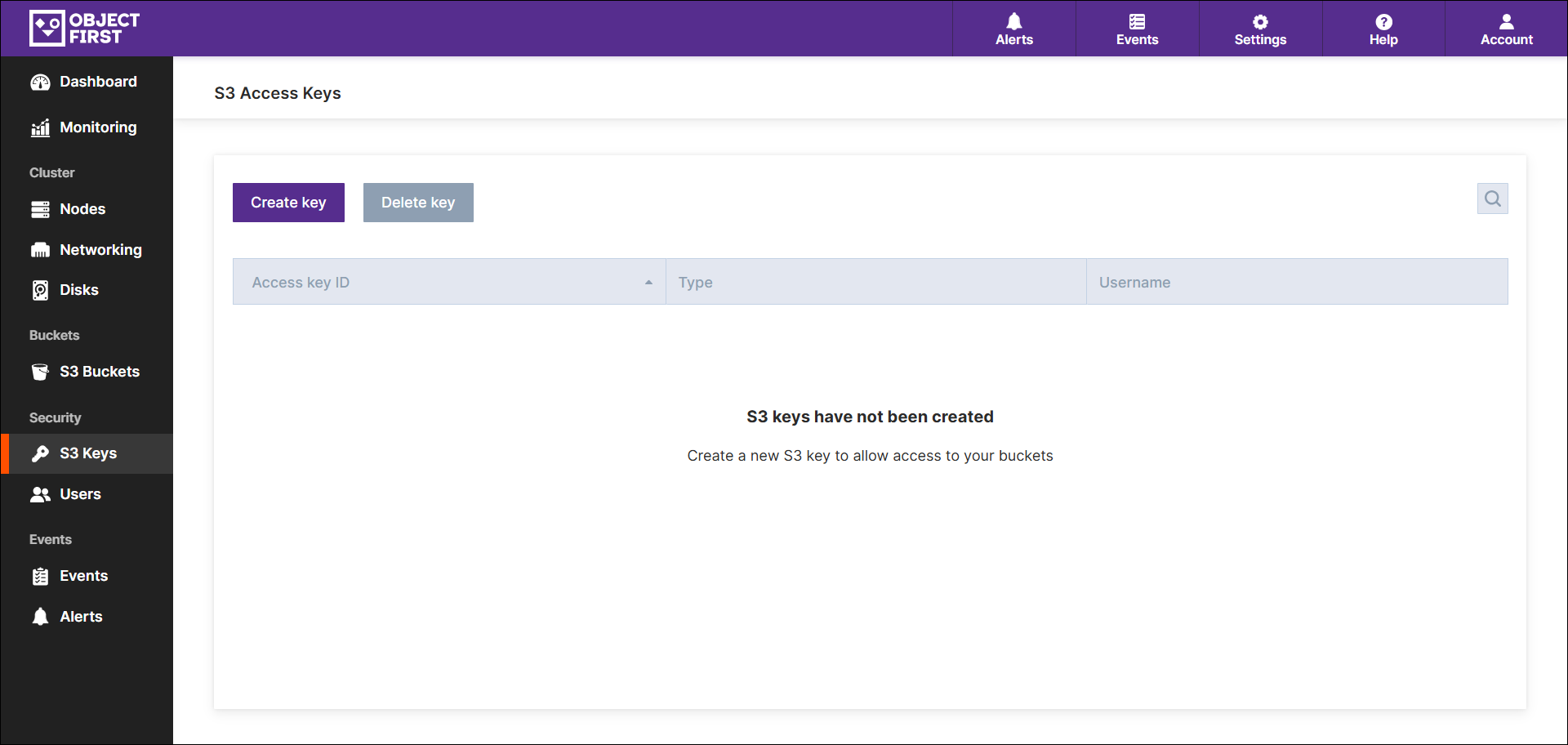
Press Create key.
-
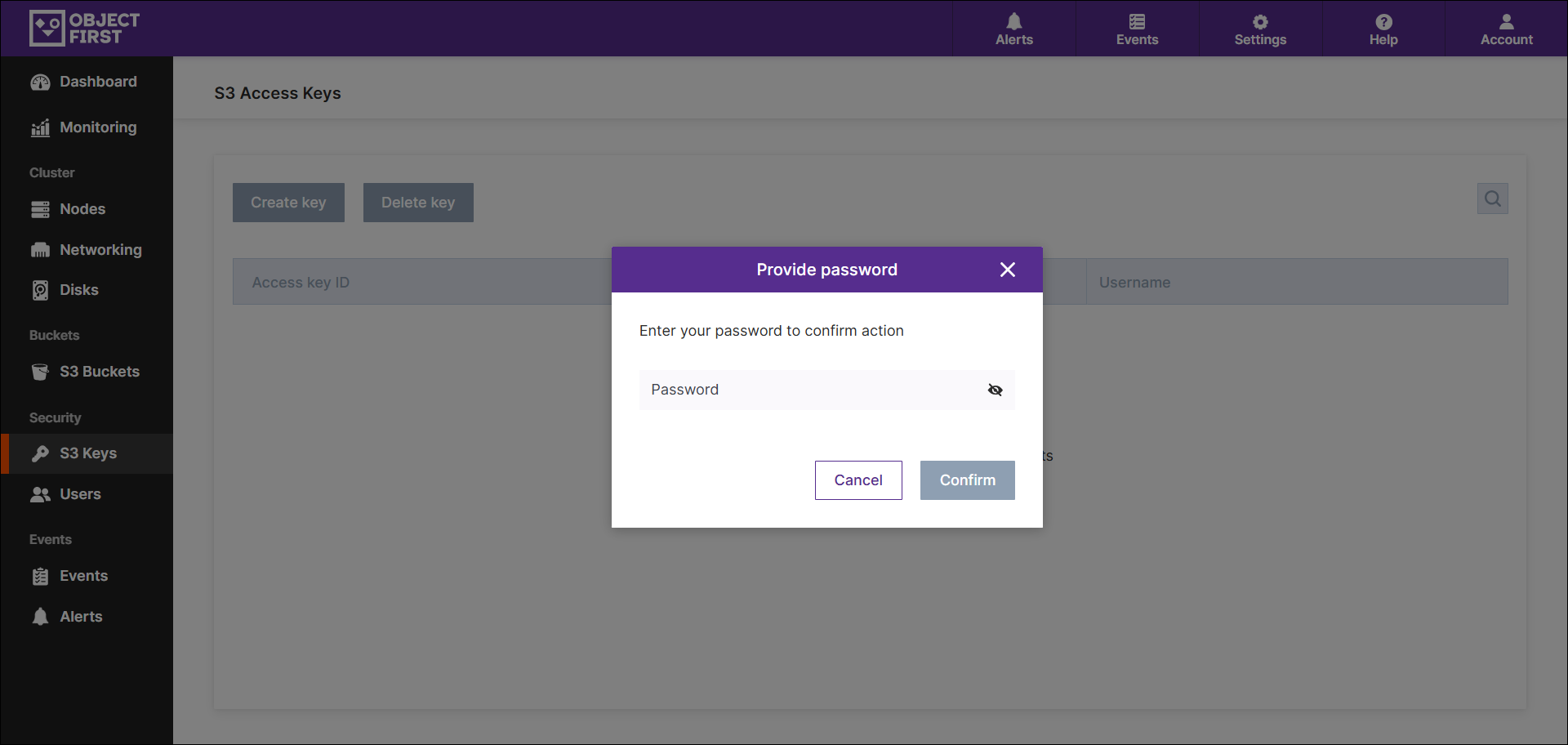
Enter the Administrator password.
-
A new S3 access key will appear in the popup window. Make sure to copy and save the Access key ID and Secret Access Key. Press Close.
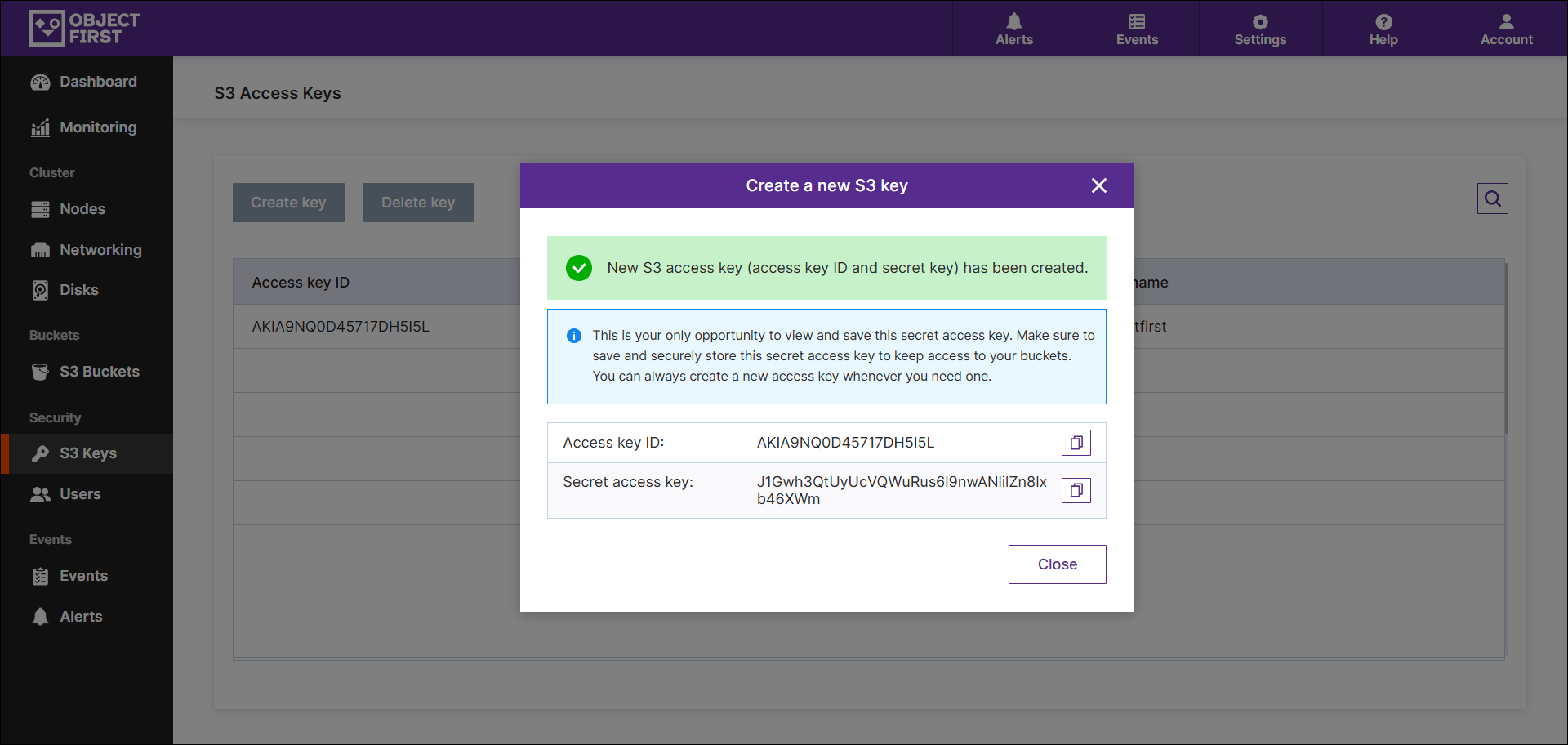
NOTE: Keep in mind the following:- This is your sole chance to view and save this secret access key. Please ensure to securely store this secret access key to maintain access to your buckets. You can generate a new access key whenever necessary.
- S3 secret key, along with its name and ID, do not serve as credentials for accessing the appliance.
- Ensure that your system time is synchronized with your VBR server, gateways, and proxy servers.
- Keep in mind that only S3 Protocol Signature V4 is supported.
-
Once the key is created, it will be listed under S3 Access Keys.
Sharing your feedback with the team helps us improve the Help Center.