- /
- Object First User Guide
- /
- Secure the System
- /
- Disabling Two-factor Authentication
Disabling Two-factor Authentication
-
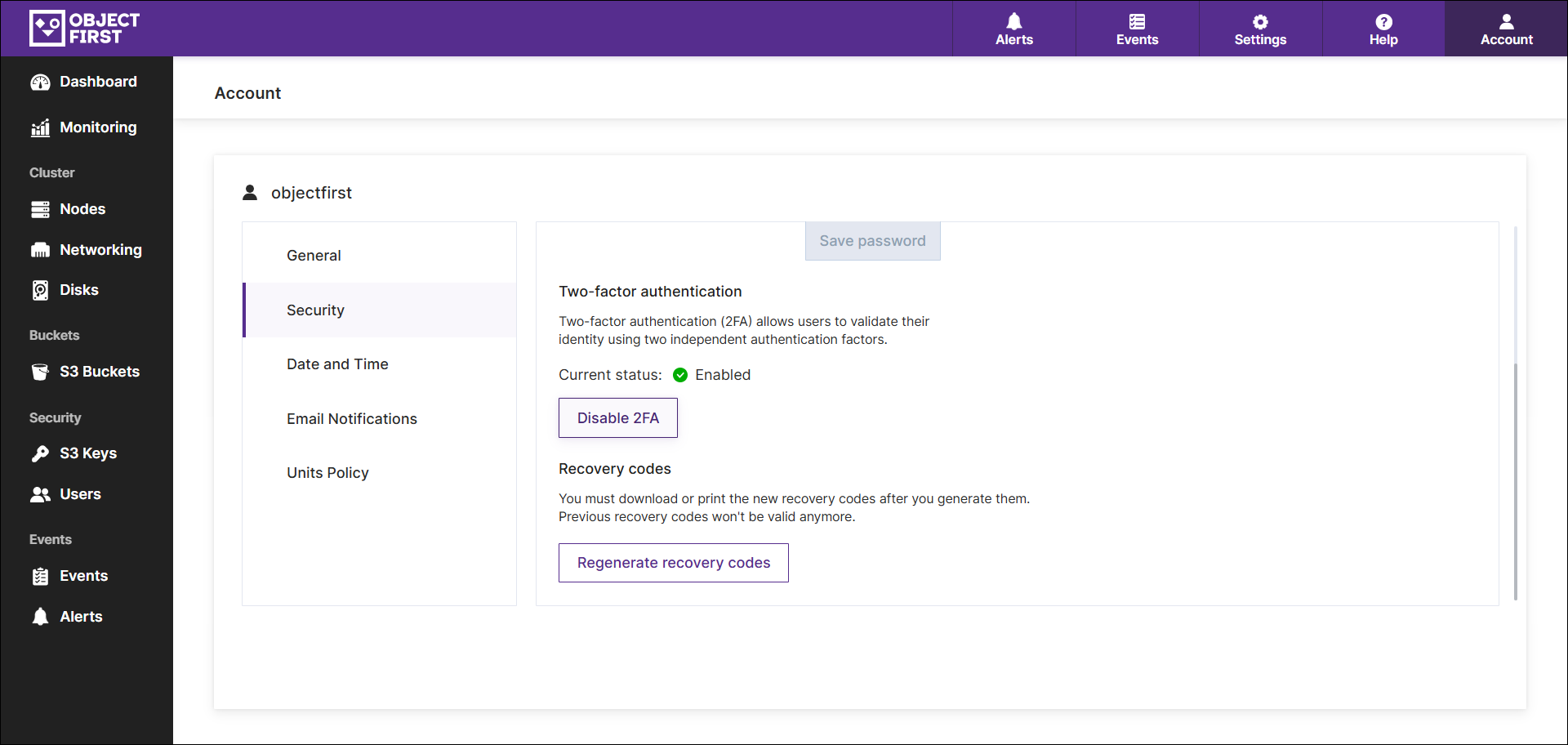
Press Disable 2FA.
-
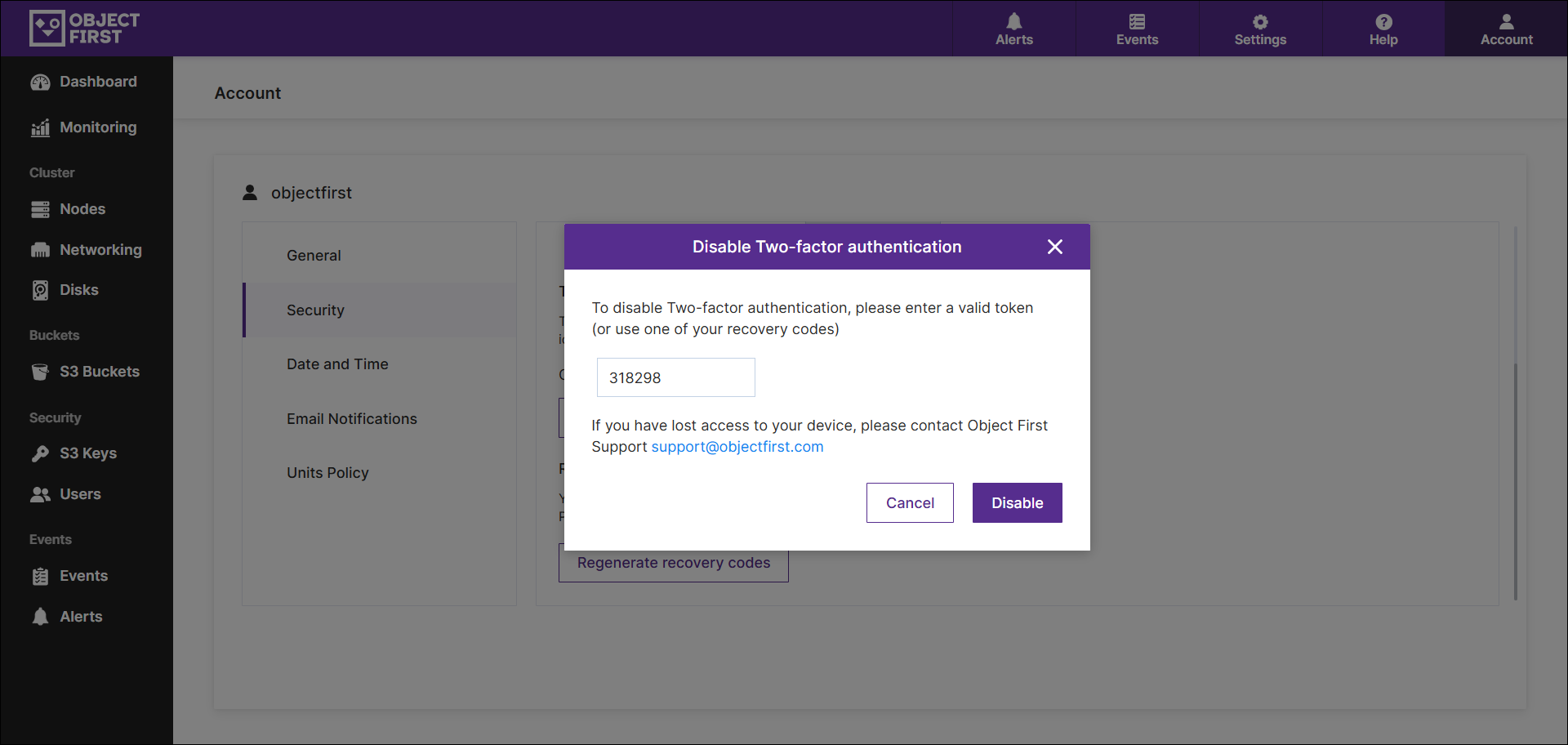
Enter the credentials and press Confirm. Type in the code generated by the Two-factor authentication application.
NOTE: Recovery codes are single-use. If there are no recovery codes left, regenerate them (Regenerating the recovery codes). Two-factor authentication is also disabled as a part of the password reset process. See more on password reset: Resetting the Password This workaround can be helpful if all recovery codes are left to be used and there is no access to the Web User Interface.
Sharing your feedback with the team helps us improve the Help Center.